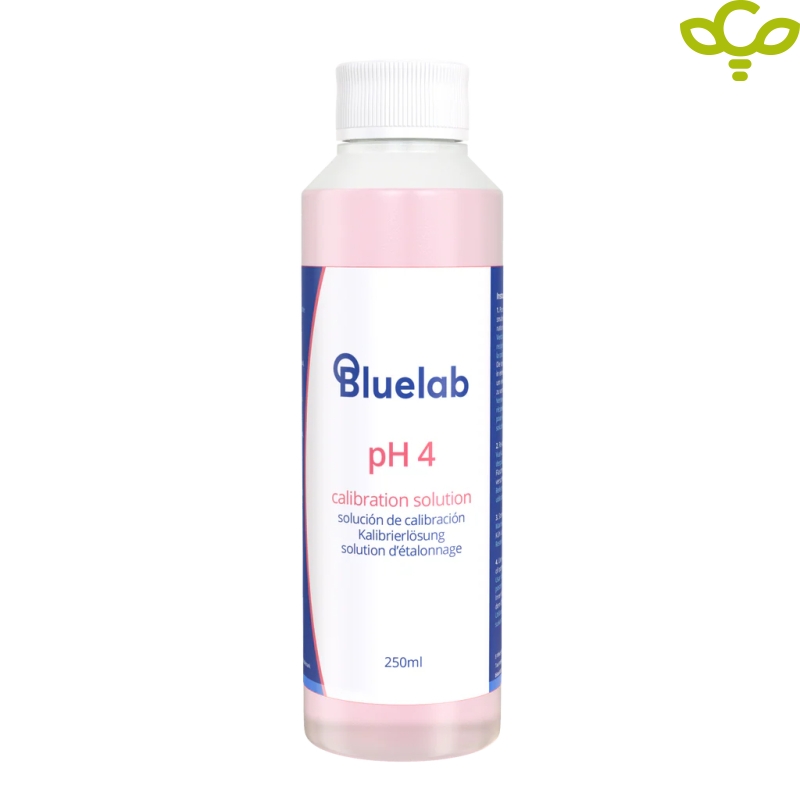
Bluelab pH 4.0 250ml - Calibration Solution
-
Code:2719
-
Weight:0.010 Kgs
Features:
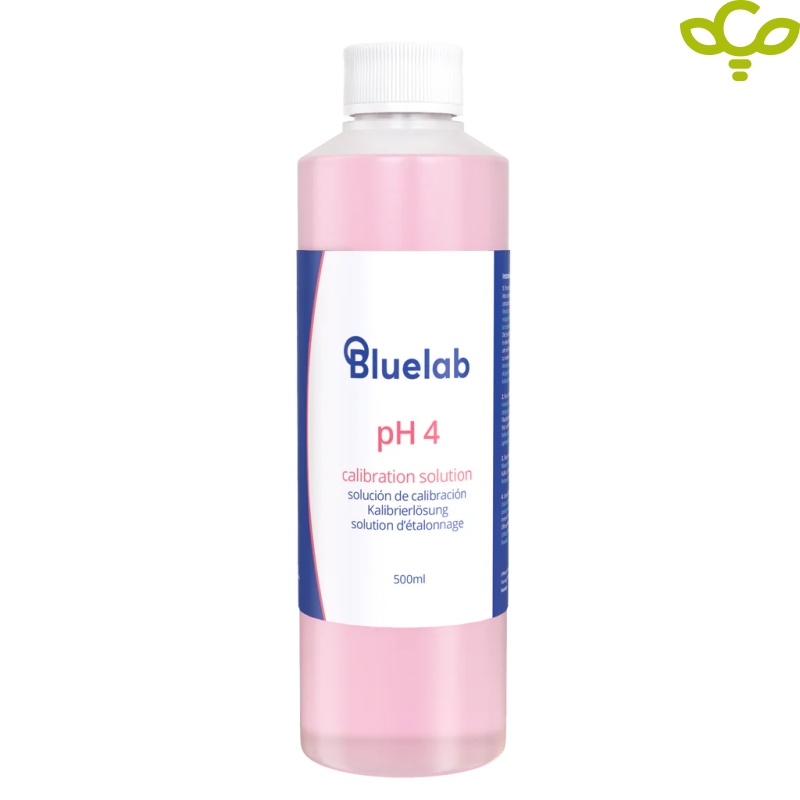
- Contains 250 / 500 ml
- Boost your pH products’ longevity with regular cleaning and calibration
Calibration of Bluelab products is the process of adjusting your pH or EC meters and pens using specific EC or pH meter calibration solutions. This process aligns the instrument’s readings with known reference values, ensuring measurement accuracy.
Calibration is recommended once a month, or more frequently if the instrument is used heavily, for continuous monitoring or used with organic soils or nutrients. Many Bluelab products provide an on-screen calibration indicator to help you stay on schedule. After successful calibration, a confirmation check mark appears on the display. This check mark remains visible for 30 days, after which it disappears to indicate that recalibration is required.
Extend the lifespan and performance of your Bluelab equipment through correct care, regular calibration, and routine maintenance. Proper handling ensures your tools continue to deliver accurate, dependable measurements throughout their working life.
Quick Buy


Calibrating your pH pen or probe will ensure accurate readings. To get the best from your pH product, we recommend calibrating once a month.
Calibrating your pH pen or probe is required:
-
Before first use
-
If the calibration reminder has disappeared from the LCD screen (30 days after first calibration)
-
If the pH measurement is different from what you expected
-
After cleaning and hydration
-
After changing the batteries
Note:
Bluelab pH products should always be calibrated to 2 points using fresh pH 7 and pH 4 solutions.
If your readings are expected to be higher than pH 7, you can use pH 7 and pH 10 solutions.
How to calibrate your pH pen or probe:
1. Prepare your pen or probe
-
Ensure the pen or probe is clean and hydrated.
-
Follow the Bluelab pH Probe Cleaning Guide and Hydration Guide before calibration.
2. Turn on your pH pen or probe
-
Press the “Power/Hold” button.
3. Calibrate to pH 7
-
Place the probe tip in fresh Bluelab pH 7.0 Calibration Solution.
-
Wait for the reading to stabilize between pH 6.6 – 7.5.
-
Long-press the Cal button on the pen or meter until “CAL” is displayed.
-
Release the button. A calibration sequence will start, sequentially flashing “0” across the display.
-
After the “0000” stops flashing, the sequence is complete and “pH7” is displayed.
4. Rinse
-
Rinse the pen or probe tip thoroughly in clean tap water.
-
Shake off any excess water.
5. Calibrate to pH 4 (or pH 10)
-
Place the probe tip in fresh Bluelab pH 4.0 (or pH 10) Calibration Solution.
-
Wait for the reading to stabilize between pH 3.6 – 4.5.
-
Long-press the Cal button until “CAL” is displayed.
-
Release the button. A calibration sequence will start, sequentially flashing “0” across the display.
-
After the “0000” stops flashing, the sequence is complete and “pH4” (or “pH10”) is displayed.
6. Confirm Calibration
-
A calibration confirmation will appear at the bottom of the pen or meter screen to indicate successful calibration.
-
This confirmation will disappear after 30 days, indicating that recalibration is required.